 Explore software↗
 Print & Document Software
PaperCut adds secure print release, user authentication, usage reporting, print rules and cost controls across shared devices.

Photocopiers, printers, managed print, software and interactive technology for businesses.
Core services
Phoenix Digital Systems supplies and supports photocopiers and printers, manages print estates, implements PaperCut controls and installs interactive displays for meeting, training and education spaces.
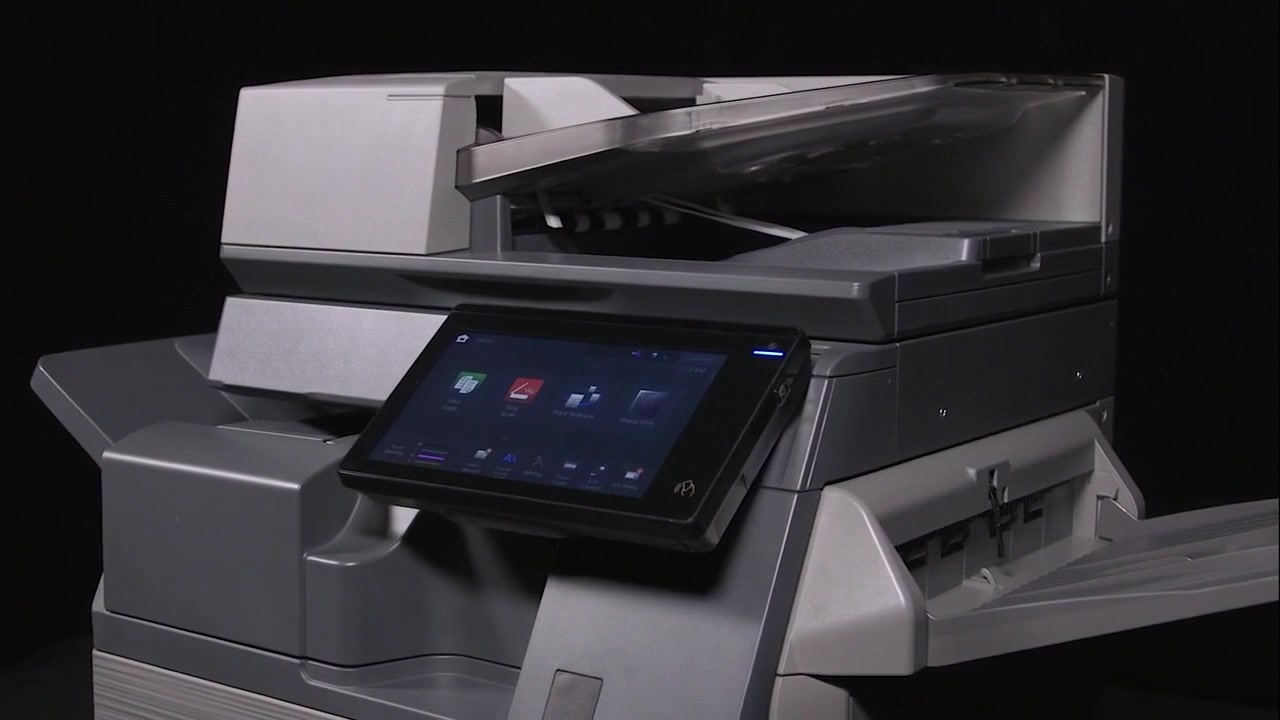
Photocopiers & Printers
Standalone printers for focused output and multifunction devices for print, copy and scan requirements, across A4, A3, colour and mono environments.
Compare equipment optionsPhoenix reviews current devices, monthly volumes, colour use, scanning, finishing, user numbers, network requirements and available space before recommending equipment.
Supply includes the agreed delivery, installation, network setup and user orientation, followed by servicing, repair or maintenance support selected for the equipment.
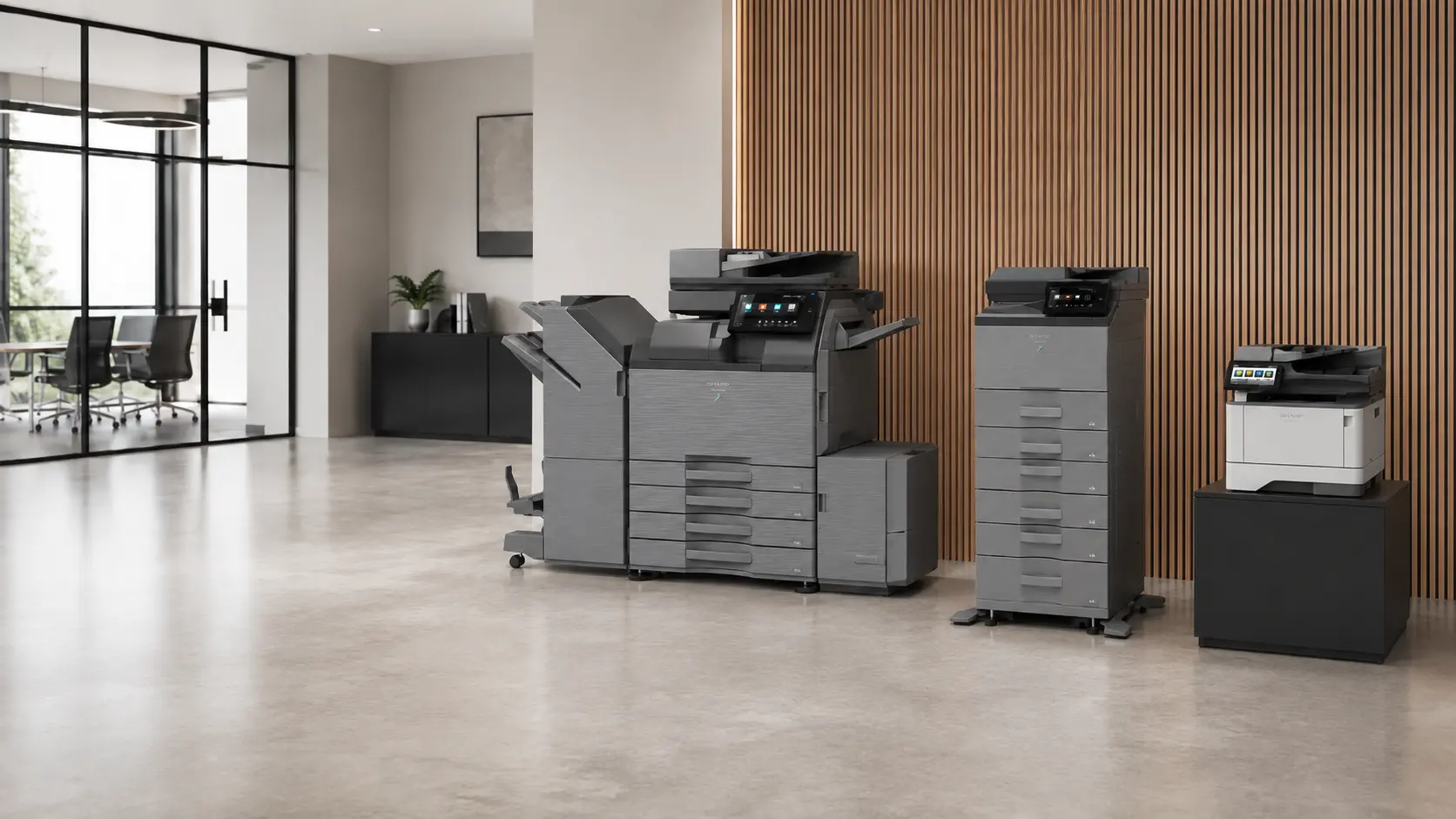

Managed print in practice
Phoenix documents the devices, locations, volumes, meters, recurring faults, consumables requirements and support arrangements already in place.
Remote monitoring, meter and usage reporting, proactive consumables support and maintenance coordination then reduce the reactive print administration handled by internal teams.
Control and collaboration
Explore software↗ PaperCut adds secure print release, user authentication, usage reporting, print rules and cost controls across shared devices.
Touch interaction, annotation and content sharing for meeting rooms, presentations, training spaces and classrooms, supplied with installation and support.
 View display services↗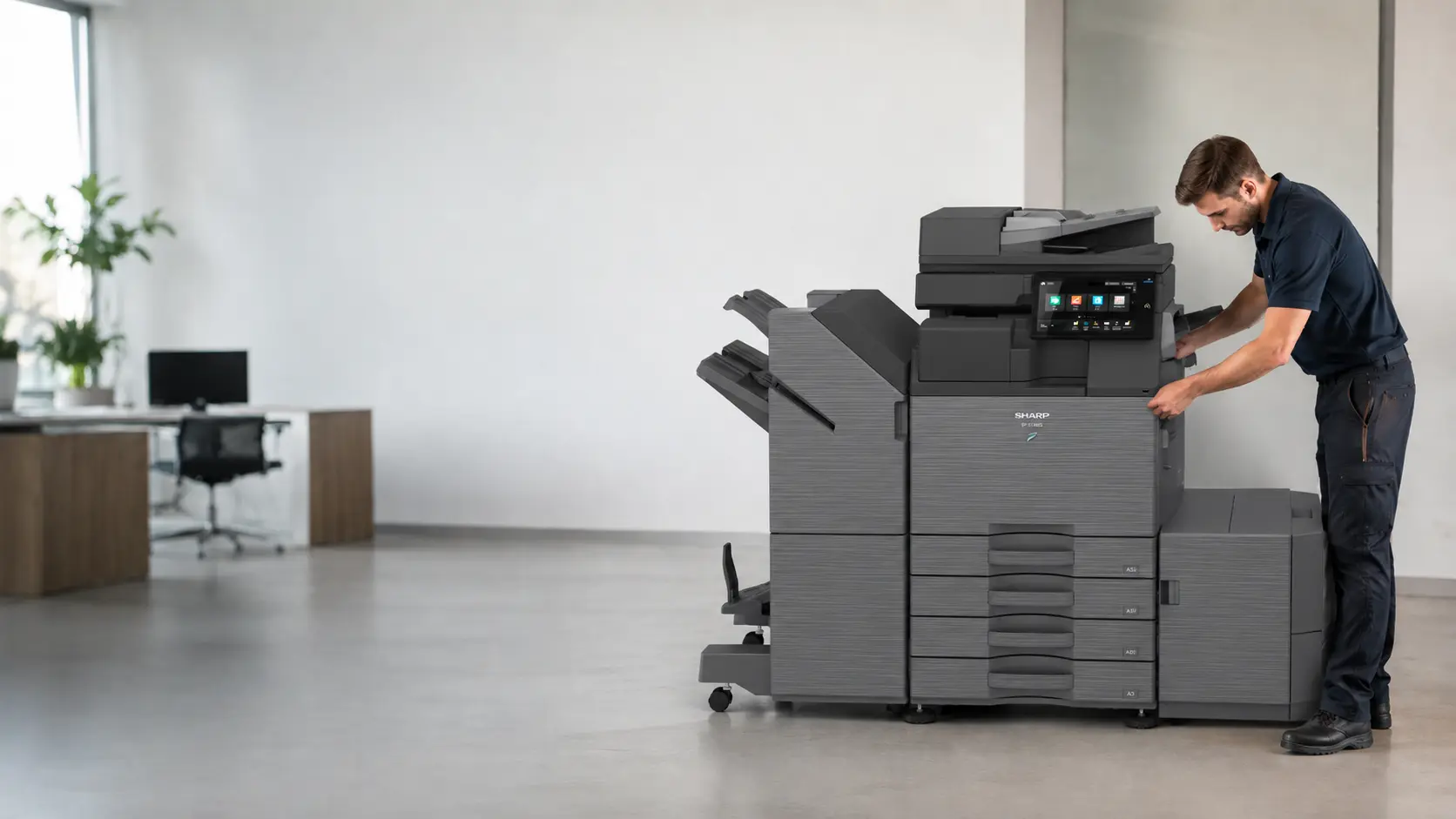
How Phoenix works
Review existing devices, volumes, workflows, rooms, users, contracts and support history.
Set out the equipment, purchase or finance option, managed support, PaperCut or display configuration that addresses the findings.
Complete the agreed delivery, network setup, configuration, user orientation and handover.
Apply the selected servicing, repairs, monitoring, reporting and consumables process after handover.
Latest from Phoenix
Your office photocopier breaks down, so you contact your maintenance provider and arrange for an engineer. The machine gets repaired, everyone returns to work, and the problem is forgotten until…
Start with the current estate
Share the current devices, approximate volumes, contract dates and recurring print problems. Phoenix will review the equipment, monitoring, consumables, support and PaperCut requirements together.